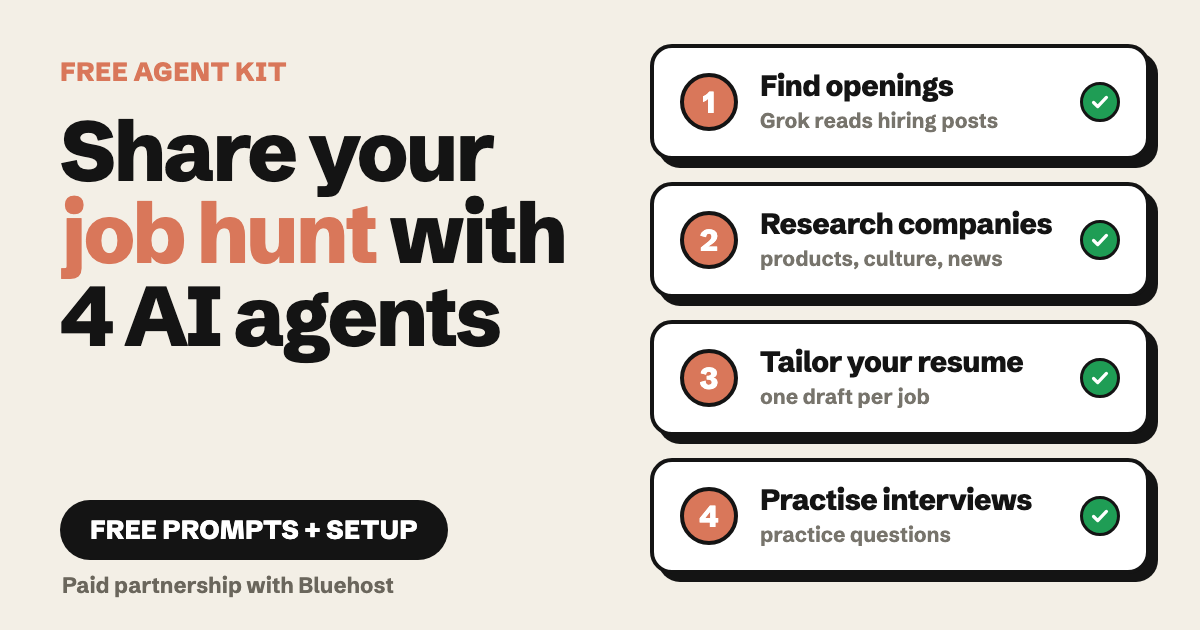
Paid partnership with Bluehost. Bluehost paid me to make the video this guide comes from. The Bluehost link in section 06 is my tracking link. The prompts and agent setup below are what I actually used.
Looking for a job is a full-time job. Search, read, rewrite your resume, prepare. Then do it again for the next opening.
So I split it into four small jobs and gave each one to an AI. This guide has everything I promised in the video: the prompts, the two agents I built and what goes inside them.
Nothing here applies for jobs for you. The AI drafts and you decide. That is the whole point.
Find it. Research it. Tailor it. Practise it.
// Build this with your AI agent
Build this with your AI agent
Want your AI assistant to walk you through it? Copy this prompt into any chat assistant, together with this guide's link.
Read this guide: https://codewithnishant.dev/free/ai-job-hunt-agents/. I am looking for work as a [YOUR ROLE] in [YOUR CITY OR REMOTE]. Walk me through the four steps one at a time: 1) find openings, 2) research the companies, 3) tailor my resume to a job description, 4) practise interview questions. For each step, write the prompt from the guide with my role and my details filled in, and wait for me to paste the result before you move on. Use only what is in my resume. If a skill or experience is not in it, say so instead of inventing it. Do not apply for anything, contact anyone or send anything for me. Tell me what is still unchecked at the end.
01. The four steps
One job each
| Step | Tool | What it does |
|---|---|---|
| 1. Find | Grok | Looks at hiring posts on X from founders and recruiters |
| 2. Research | AI Research Agent | Writes a summary on each company: products, culture, recent news |
| 3. Tailor | Resume Agent (mine) | Drafts a resume for each job description, from your own resume |
| 4. Practise | Interview Coach (mine) | Suggests practice questions from the job description and company info |
Steps 1 and 2 use tools that already exist in the dashboard. Steps 3 and 4 are two small agents you create yourself. I show both below.
My prompts say developer, because that was the job I searched for. Swap that one word for your own role. The rest stays the same.
02. Step 1: find openings
Pick Grok in the model list
Start a new chat and choose Grok as the model. Grok is the one that can look at posts on X. Founders and recruiters often share openings there before a job board has them.
Prompt for step 1
How can I identify developer job opportunities and hiring trends on X right now? Show real recent hiring posts from founders and recruiters for developers (freshers and experienced), with the company name for each.Change developer to your role, and add your city or "remote" if it matters.
Treat the answer as a list of leads. Open each post, check that it is real and recent, and write down the company names. You need those names for step 2.
03. Step 2: research the company
Use the AI Research Agent
Open the AI Research Agent from the Agents page. In the video I gave it three companies from step 1 and asked for the same four things for each.
Prompt for step 2
Research these 3 companies for a developer job application: [COMPANY 1 (website)], [COMPANY 2 (website)], and [COMPANY 3 (website)]. For each one: what they build, their products, work culture, and any recent news.I ran the short report option. It took a few minutes and gave one section per company.
One warning from my own test: the sources it lists were vague labels, not clear links. So check any fact you plan to quote in an interview on the company's own website or news page.
04. Step 3: the Resume Agent
Your resume goes in once, the agent reuses it
This one you create. In the dashboard go to Agents, then My Agents, then Create New. It has three steps.
- Get Started. Give it a name and a description. This is what I used.
- Knowledge. Upload your resume as a file. I used a plain text file. The page says the knowledge base is private.
- Configure. Optional. I left it as it was.
Resume Agent: name and description
Name: Resume Agent
Description: Knows my resume and rewrites it for each job I apply to.
Then start a chat with the agent, paste a job description and ask for a draft.
Prompt for step 3 (use it for every job)
Job description: [PASTE THE FULL JOB DESCRIPTION HERE]

Draft my tailored resume for this role. Use only what is in my resume. If the job asks for something that is not in my resume, tell me instead of adding it.
The second sentence is my own addition for this guide. In my test the agent already did this: it reordered my skills for each job, fixed a typo, and said one skill was not on my resume instead of making it up. It also added a few small embellishments, like the words "RESTful" and "real-time weather". So read every line before you send it anywhere.
05. Step 4: the Interview Coach
Same builder, no file needed
Create it the same way: Agents, My Agents, Create New. I did not upload anything in the Knowledge step, because the coach works from what you paste into the chat.
Interview Coach: name and description
Name: Interview Coach
Description: Suggests practice interview questions for a developer job, based on the job description and company information.
Swap developer for your role in the description too.
Prompt for step 4
Job description: [PASTE THE JOB DESCRIPTION]

Company info: [PASTE THE SUMMARY FROM STEP 2 FOR THIS COMPANY]

Give me practice interview questions for this role.
In my test it grouped the questions into Technical, Company and role, and Behavioral. Write your own answers first, then ask the coach what is missing. Do not ask it to write your answers for you.
06. Get the dashboard
Paid partnership with Bluehost
Everything above ran inside Bluehost's AI All-Access Pack. It puts ChatGPT, Claude, Gemini and Grok in one place, and lets you build your own agents.
Open the Bluehost AI All-Access Pack (my tracking link, paid partnership). Check Bluehost's own page for what is included and what it costs. I do not state a price here.
If you do not use Bluehost, the four prompts still work in any chat assistant. Only the "Create New" agent steps are specific to this dashboard.
07. Check before you trust it
What the AI got wrong in my test
| What I saw | What to do |
|---|---|
| Grok's list of openings is a set of leads | Open each post and confirm it is real and still open |
| Research sources were vague labels | Check any fact you will quote on the company's own site |
| The resume draft added small details | Read every line and delete anything that is not true for you |
| Questions are practice, not a prediction | Use them to prepare, not to guess what you will be asked |
None of this gets you a job by itself. It saves you time on the boring part, so you have more energy for the part that matters: talking to real people.
Want any AI to follow your way of working every time, not just in this hunt? Read Stop Prompting, Start Hiring: it shows how to write a job description for your AI. If you code, the CLAUDE.md template does the same for Claude Code.
08. FAQ
Do I need to be a developer to use these job hunt agents?
No. My prompts say developer because that is the role I searched for in the video. Swap that word for your own role, like sales executive, accountant or HR recruiter, and keep the rest of the prompt the same.
Will these AI agents get me a job?
No. They save you time on research and drafting. They do not apply for you, they do not contact anyone, and they cannot promise an interview or an offer. You still read everything and decide what to send.
Which step uses X?
Only step 1. Grok is the model that looks at hiring posts on X. The research agent, the resume agent and the interview coach do not browse X.
Is it safe to upload my resume?
The agent builder page says your knowledge base is private. I used a plain text file with sample details in my video. Read the platform's own privacy terms before you upload anything personal, and leave out ID numbers and your full home address.
Can I use ChatGPT or Claude instead?
You can paste the same four prompts into any chat assistant. I built and tested the agent setup in Bluehost's AI All-Access Pack, so the click-by-click steps in this guide are for that dashboard. I did not test the agent setup anywhere else.
09. What I checked
Checked 19 November 2026
I ran all four prompts in my own Bluehost AI All-Access Pack account in November 2026 and read the agent builder pages again on 19 November 2026. The sample resume in my video is a made-up example, not a real person.
I tested one role, developer, on three companies. I did not test other roles or other fields, and I did not measure whether this changes how many interviews you get. I give no results here, only the setup.
You do not need to do the whole hunt yourself. Share the boring parts with an AI, and keep the decisions for you.
// Free newsletter
I send out guides like this every week
Real setups, real sources, no hype. Drop your email and I'll send you the next one.