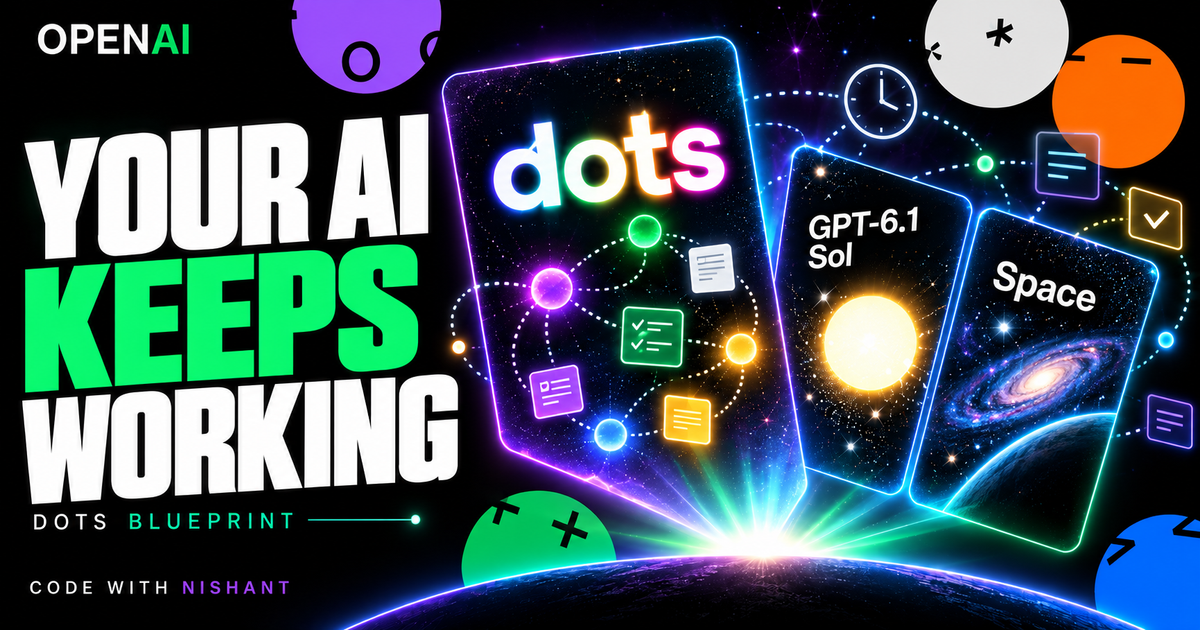
OpenAI's DevDay had more than 20 announcements. The three I care about here are Dots, GPT-6.1 Sol and ChatGPT Space: ongoing work, a capable execution model and a shared home for project knowledge. Official recap.
I had moved from Claude Code to Codex two days before the launch. The timing was great. But the useful question is what responsibility I can hand over, and how I will know it was done properly.
This is my OpenAI Dots Architecture Blueprint. It gives you a role brief, browser-access checklist, approval boundaries, model-selection policy and scheduled-work template. The workflow examples below are proposed designs, not a team I have deployed or measured.
Key takeaways
- Start with one responsibility and a clear output.
- Keep accepted decisions in one shared record.
- Review evidence before expanding access or responsibility.
- Treat model selection as a workflow decision, not a promise of automatic routing inside Dots.
1. Dots: work that continues between conversations
OpenAI describes Dots as Astra-powered agents with their own cloud computer and browser, able to work toward goals around the clock. Plugins connect them to more than 4,000 apps. Initial access covers eligible Pro and Business Premium accounts; Enterprise beta access needs admin enablement. Plus is not in the initial rollout. Introducing Dots.
Today, OpenAI says to start with your primary Dot. Additional Dots and teams of Dots are described as a future direction. The team structure in this blueprint is an operating design, not a confirmed five-Dot setup available today. Current rollout.
Start with a small job such as preparing a project update from named records. Define which records it can read, what the update contains and when you want it. Add a second responsibility only after inspecting real outputs.
2. Sol: choose a model for the work
OpenAI reports that GPT-6.1 Sol approaches Astra on several coding, computer-use and professional-work evaluations. Its standard API input and output prices are one-fifth of Astra's. That comparison is about API pricing, not your ChatGPT subscription allowance. Sol announcement.
My proposed policy is to evaluate Sol first for repeated execution and use Astra when a difficult reasoning task warrants it. Compare the same inputs, count corrections and retries, and check the resulting output. A cheaper request is useful only if the full job remains reliable.
This policy belongs in the tools where model selection is available. It does not establish a native Sol switch or automatic routing feature inside Dots. Dots' launch announcement identifies Astra as its model.
3. Space: give accepted context a home
Space brings teammates, ChatGPT and a Dot around shared knowledge. Pages are collaborative documents. OpenAI lists Space and Pages for Pro, Business and Enterprise. Space and Pages in the recap.
Use a project page with four practical sections:
- Goal and finish line.
- Accepted decisions, dated when they change.
- Work in progress, with an owner and source links.
- Outputs waiting for review.
Keep proposals visibly separate from accepted decisions. Each task should name its relevant page and inputs. A shared workspace helps people find context; a clear task brief tells the agent which context matters.
4. Write the operating contract before connecting tools
Pick one responsibility that you can inspect. Here is a copyable example:
Role: Project Briefing Coordinator
Goal: Prepare a concise project update from the named records.
Inputs: Approved project page, task board and source documents.
Output: Completed work, blockers, missing evidence and owner decisions.
Evidence: Link each material claim to its source.
Boundary: Prepare drafts. Ask before sending, publishing, spending,
deleting records, changing access or modifying production.
Missing inputs: Identify the gap and stop the affected step.
Notification: Tell me when the brief is ready or a decision is required.
This is a suggested instruction template. Writing it does not activate a schedule or verify that permissions are configured.
5. Browser, terminal and account access
Treat browser access as a separate setup step. First inspect the connected tools and account identity. Reuse a valid session in that environment. Complete password or two-factor prompts yourself when required.
A signed-in browser on your laptop does not establish a signed-in session on an agent's cloud computer. After setup, ask for a read-only check of one known record. Confirm the correct account and workspace before authorizing a larger task. Avoid instructions that assume login lasts forever.
For any terminal or code workflow, define the repository, allowed working directory, dependencies and required checks. Ask for a proposed diff and evidence from those checks before production changes. A cloud computer alone does not prove the complete issue-to-PR workflow is configured.
6. Schedule a proven job
Run the responsibility once and review it before making it recurring. Here is an example schedule brief:
Every weekday at 08:30 Asia/Kolkata:
Read the named project page and task board.
Prepare a briefing covering the previous 24 hours.
Include completed work, blockers, sources and decisions waiting on me.
Keep the briefing in the review destination I specify.
Ask before posting to another channel or messaging anyone.
Report source-access failures without inventing missing results.
Confirm the timezone, destination and active schedule.
Use the scheduling features actually available in your account. Confirm the saved configuration and inspect the first timed result. A sentence requesting a schedule is not evidence that the job is active.
When stopping recurring work, inspect the schedule and any active tasks separately. Confirm their states in the product rather than assuming one pause control stops everything.
7. Design responsibilities before building a team
For a future team, I would separate responsibilities like this:
| Responsibility | Input | Output | Review boundary |
|---|---|---|---|
| Coordinator | Accepted goal and task board | Prioritized brief and handoffs | Scope changes |
| Research | Named sources | Findings with links and gaps | New access |
| Outreach | Verified lead brief | Message drafts | Sending |
| Content | Approved facts and audience brief | Draft article or asset | Publishing |
| Code | Issue and repository | Proposed patch with check evidence | Production changes and merge |
These are suggested responsibilities, not named employees with tested results. With a primary Dot, begin with one of them. Keep a task handoff small: goal, relevant inputs, expected output, evidence and next review point. Expand only as product access and verified behavior support it.
8. Four workflows to evaluate
Project briefing: read approved records, summarize changes and bring unresolved decisions to the owner. Start with a weekly draft.
Lead research: research businesses against an agreed profile, save source links and identify missing evidence. Prepare outreach separately, with sending approval.
Issue triage: read a reported bug, prepare a reproduction brief and, where your connected coding tools support it, propose a patch with test evidence. Keep merge review with the maintainer.
Meeting follow-up: use an authorized transcript to draft decisions and proposed actions. Mark tentative commitments and ask participants to confirm them before dispatch.
All four are illustrative designs. None is presented as an implemented production system or a measured result.
Start with one verified loop
The architecture I want is persistent compute, shared context and deliberate model selection. The practical first step is smaller: one role, one source set, one reviewable result.
Use the operating contract above, run a single task, inspect its sources, then decide whether it should recur. A workflow earns more responsibility when its outputs give you a reason to trust it.
Sources and scope
Checked 2 October 2026 against Introducing Dots, Introducing GPT-6.1 Sol and the DevDay recap. Setup templates, team design and workflow examples are the author's proposals. Exact controls and access must be checked in the user's account.