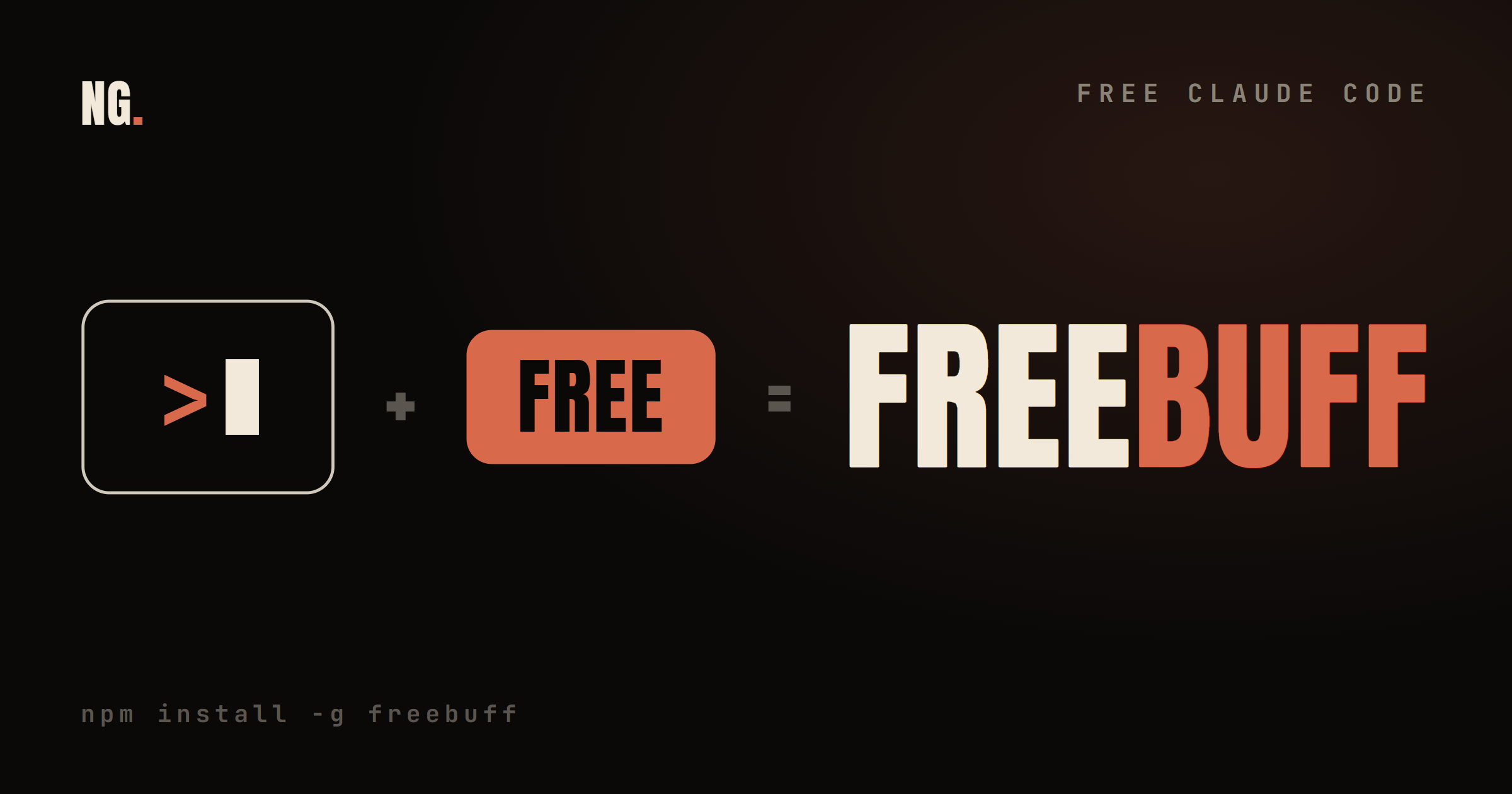
Every AI coding tool sends you a bill. Claude Code, Cursor, Codex, all of them meter you by the token. FreeBuff does the same job in your terminal for zero rupees. The catch is small, and I will show it to you. First, what it is and how to run it.
01. The credits problem
why a free agent even matters
Here is the pattern I see with students and early founders. They fall in love with an AI coding agent, then the credits run out in the middle of a project. Now they are stuck, or paying for a subscription they cannot really afford yet.
FreeBuff removes that wall. It is a real coding agent that runs in your terminal and costs nothing to start. No API key, no card, no trial timer counting down.
Claude Code sells you the best model. FreeBuff hands you a working agent for free, and shows you an ad while it types.
02. What FreeBuff actually is
a coding agent, not a chatbot
FreeBuff is a command line agent. You tell it what you want in plain English, and it plans the work, creates the files, runs commands, and reviews its own output. Same shape as Claude Code, a different engine underneath.
It comes from the Codebuff team. Codebuff is their paid product; FreeBuff is the free version of it. It stays free by showing small text ads inside the terminal. That is the whole business model, no hidden charge, no upsell wall. You can see it live at freebuff.com.
03. Install it in one command
node, one npm line, done
You need Node.js on your machine. After that it is a single install and you are live. No config file, no setup wizard, no account step.
# 1. check Node.js is installed  (get it at nodejs.org)
node -v

# 2. install FreeBuff globally
npm install -g freebuff

# 3. open your project and run it
cd path/to/your-project
freebuff
That is it. The agent opens right inside your terminal, in the folder you are standing in.
04. How to actually use it
describe the outcome, not the steps
Once FreeBuff is running, type what you want like you are texting a senior developer. Do not narrate every small step. Describe the end result and let it plan the path.
> Build a movie tracker app using the TMDB API.
  Add search, a watchlist, and a clean dark UI.
It lays out a plan, creates the files, and starts writing. You watch, correct where it drifts, and keep going. The loop is the same one you would run with any good agent.
05. The commands to know
seven shortcuts worth memorising
Most of your time is plain prompts. These few slash commands cover the rest of a session.
| Command | What it does |
|---|---|
/new | Start a fresh conversation |
/history | See your past conversations |
/bash | Run a terminal command directly |
/init | Generate a knowledge.md for the project |
/help | Show every shortcut |
/theme:toggle | Switch light or dark mode |
/exit | Quit |
Learn /new, /init, and /bash first. Those three carry most of a real session.
06. Three tricks that make it good
context is the whole game
An agent is only as good as the context you hand it. FreeBuff has three simple ways to feed it, and they change the quality more than any prompt trick.
@src/api.js      # point it at one specific file
@Reviewer        # call a specific agent directly
/init            # generate a knowledge.md it reads on every run
Add a short knowledge.md with your framework, folder layout, and a few rules. It stops the agent from guessing your stack, and you feel the difference from the first prompt.
07. What runs under the hood
many frontier models, one free door
FreeBuff does not run on one model. It routes your work across several frontier models and picks the right one for each job.
| Model | Its job in FreeBuff |
|---|---|
| DeepSeek V4 | The main coding agent, fast and smart variants |
| Kimi, GLM, Minimax | Extra frontier options for tough tasks |
| Gemini 3.1 Flash Lite | File finding and quick research |
| GPT-5.4 | Deep thinking and planning |
Two things to know. GPT-5.4 for deep planning only works if you connect a ChatGPT subscription. And you can bring your own Anthropic key to run Claude inside FreeBuff when you want its quality.
08. FreeBuff vs Claude Code
when free wins, when it does not
This is the real question. Here is the honest split, no marketing.
| FreeBuff | Claude Code | |
|---|---|---|
| Cost | Free, with text ads in the CLI | Paid, on Anthropic credits |
| Setup | One command, no config | Needs an Anthropic API key |
| Models | DeepSeek, Gemini, GPT and more | Anthropic models only |
| Limits | None stated | Credits run down over time |
| Data privacy | DeepSeek Pro can train on your code | Anthropic privacy policy |
Free is not the same as better. It is better for some jobs and clearly worse for others. The next section is where that line sits.
09. The catch, in plain words
read this before your next client build
Two trade-offs matter. First, the CLI shows text ads. Small, but they are there while you work. Second, and bigger: DeepSeek's Pro API can use your requests to train its models.
If your code is private or belongs to a client, switch FreeBuff to DeepSeek Flash, or bring your own Anthropic key. Never send sensitive code through a model that trains on it. FreeBuff says this itself.
Also check availability. FreeBuff is not live in every country yet, and freebuff.com keeps the current list.
10. So who should use it
the honest verdict
Use FreeBuff if you are a student, a beginner, or building personal and portfolio projects. It hands you a real agent at zero cost, which is the best way to learn the workflow before you pay for anything. Use it on Claude Code style problems and see how far free takes you.
Stick with Claude Code for client work, sensitive code, and any time you need one consistent, high quality model you can trust on every run.
Free is how you learn the game. Paid is how you run it at work. FreeBuff lets you start today without a card. Start there.
// Free newsletter
I send out guides like this every week
Real setups, real sources, no hype. Drop your email and I'll send you the next one.